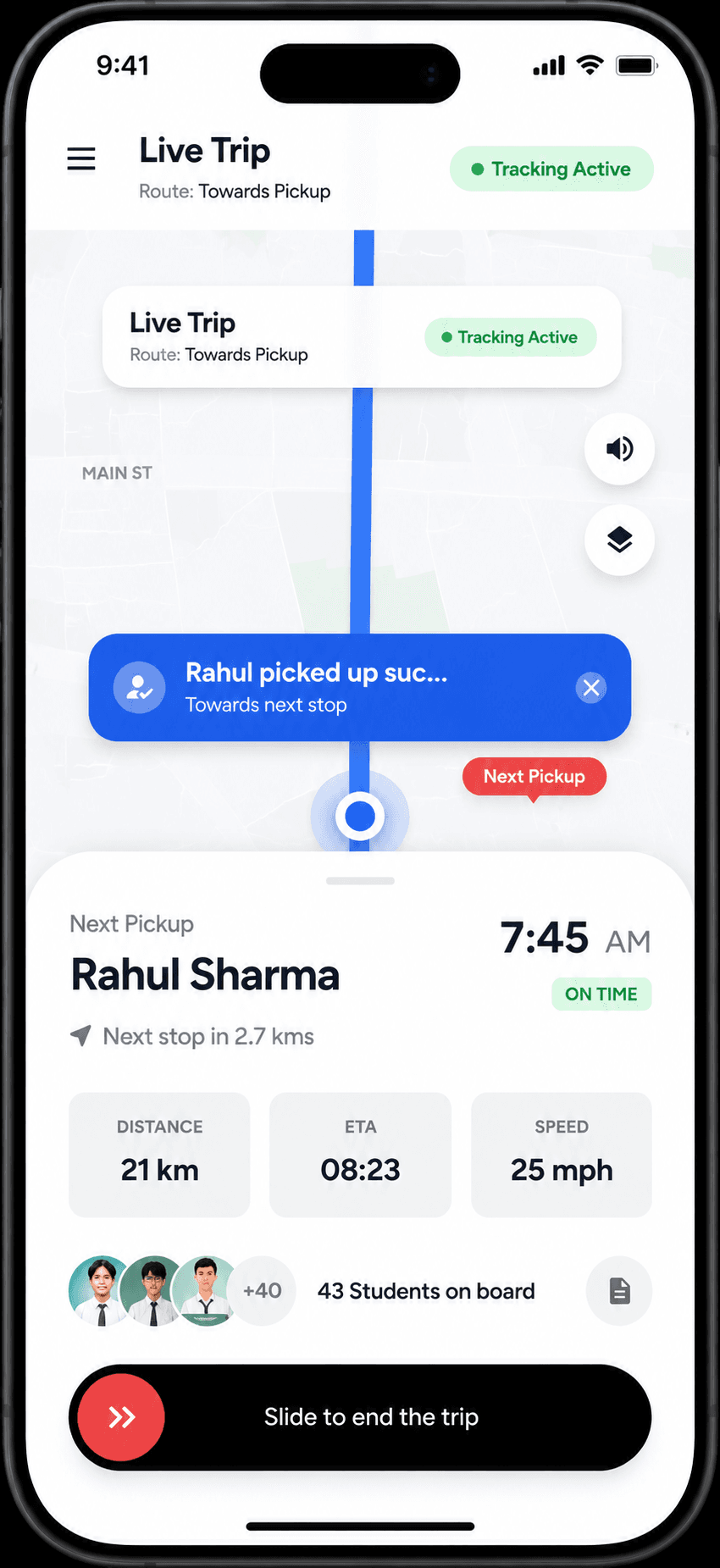
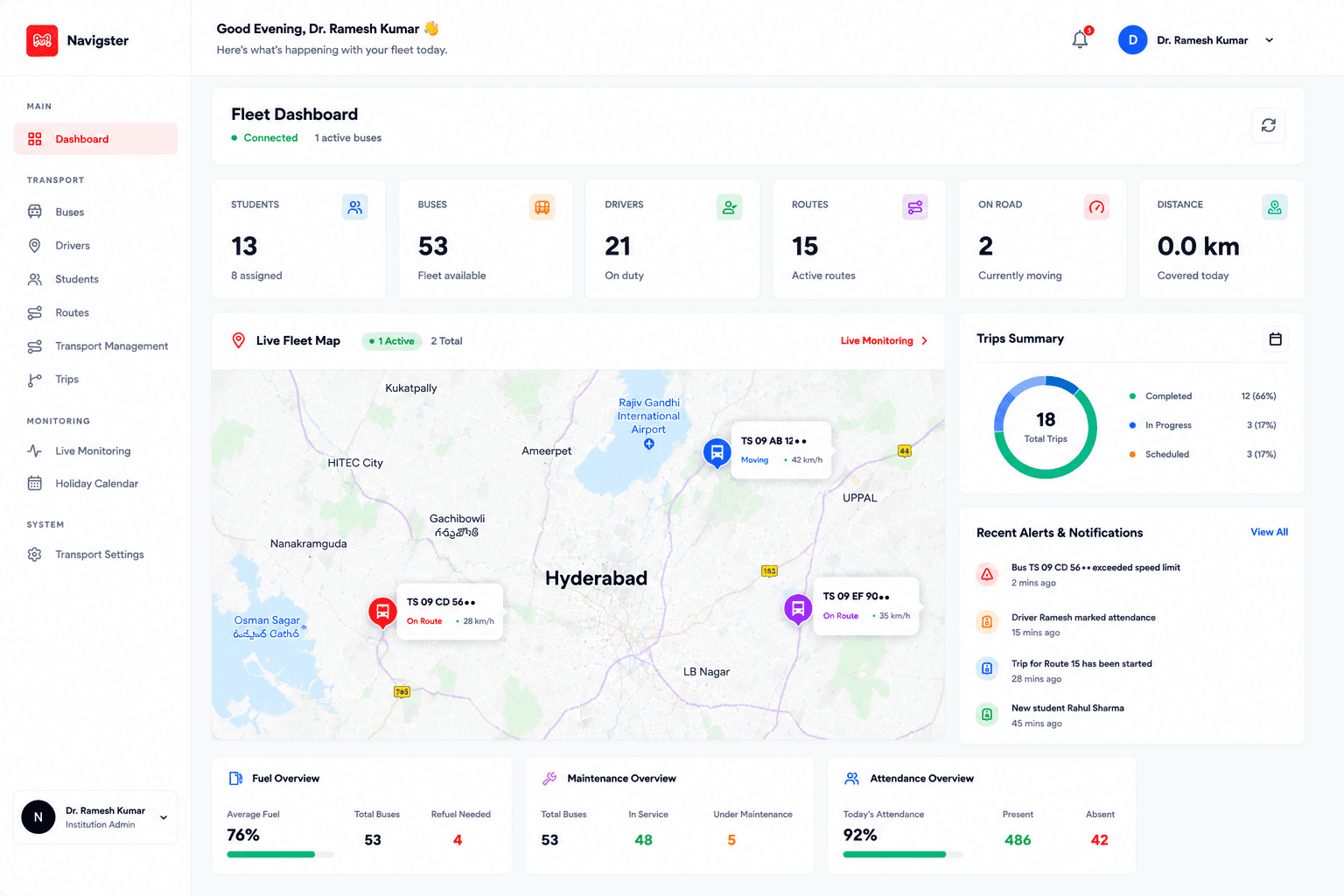
Passenger app
Navigster passenger app
Follow an assigned service for yourself or an authorized linked passenger.
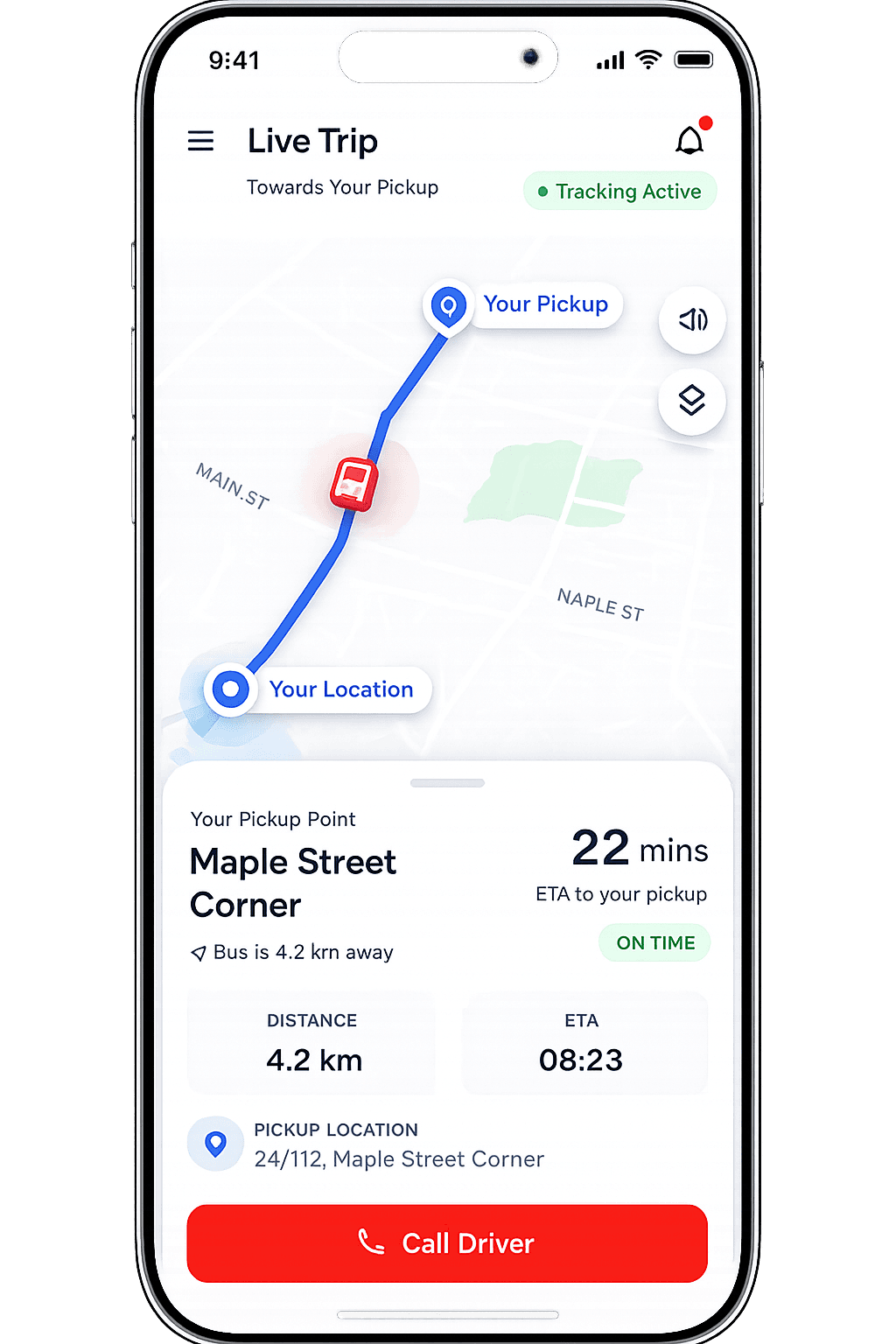
- See the assigned pickup and its current estimate.
- Receive an approach reminder where configured.
- Check the last update time when tracking is delayed.
Navigster
Passenger app
View example trip
Your Pickup
Illustrative mapHyderabad · Demo trip
On route
Navigster · Your pickup08:30 AM
HITEC City Pickup
Pickup estimate
08:40 AM
10 min away
- Next stop:
- HITEC City Pickup
- Key detail
- Outside the 3 km approach radius
0s/30s
Trip details and transcript
Passenger view of an assigned pickup. Illustrative product demo · Illustrative timeline · time compressed. Hyderabad demo trip; times are IST.
- Approach radius
- Outside 3 km
- Boarding
- Not confirmed
- Vehicle
- Shuttle 04
- Plate
- TS09 UD 78••
Stops
- HITEC City Pickup · Next · Pickup
- Raidurg Drop-off · Upcoming · Destination
Map legend
- Route
- Slow traffic
- Pickup
- Destination
Transcript · all milestones
- 08:30 AMHITEC City Pickup · 08:40 AM · 10 min away (current step)
- 08:32 AMShuttle approaching HITEC City Pickup · 8 min away
- 08:34 AMSlower traffic near Durgam Cheruvu. Pickup updated to 08:42 AM · 8 min away.
- 08:42 AMShuttle reached HITEC City Pickup
Final state: Shuttle reached HITEC City Pickup at 08:42 AM. Boarding is not confirmed by arrival in this default example.
- The approach reminder is shown once when the vehicle enters the configured 3 km radius of the saved stop. Approach alerts do not establish boarding.
- Where Auto Boarding is enabled for an eligible school or college service, “Boarding confirmed” appears only after the vehicle and the eligible registered phone (a parent’s phone for a schoolchild, the student’s phone for a college student) are both within 100 m of the assigned stop and the confirmation event occurs.